
How to Review GPTHumanizer Output Before Publishing

Summary
Reviewing GPTHumanizer output before publishing is mainly about checking whether the rewrite improved readability without weakening meaning, voice, or purpose. The tool can produce much cleaner drafts, but the final publishing decision still depends on whether the text remains accurate, specific, and true to the writer or brand behind it.
- Meaning should be checked before polish. A paragraph that sounds better but says less is not ready to publish.
- Voice needs its own review pass. Cleaner wording can sometimes make the draft feel more generic, especially in blog and brand-led writing.
- Paragraph function still matters. A section should not only read smoothly. It should still introduce, explain, argue, or conclude as intended.
- Important details should be checked manually. Product names, numbers, qualifiers, and exact wording can drift even when the output looks polished.
- Over-smoothing is a real problem. Writing that becomes too even, too polished, or too safe often needs light manual correction.
- The final standard is simple. A publish-ready draft should preserve intent, improve readability, and still sound like something the writer or brand would confidently publish.
One way to evaluate the humanizing output before publishing is to ask if the new version still says what you meant, still sounds like you and still accomplishes what the original draft needed to accomplish. That is what matters. An elegant paragraph doesn't automatically make it better if it diminishes the point, smooths out the voice too much, and makes the writing feel generic.
That is also why I don't use GPTHumanizer as a final-step button. I use it a lot, think that it is truly useful, but I still consider it part of the edit, never the conclusion of an edit. The output is often far better than the bare draft, but "better" doesn't equate to "ready to publish".
If you are creating a full workflow around the tool, how to use GPTHumanizer AI is still the hub. This article is the practical step before publish.
Review the result like an editor, not like someone admiring cleaner wording
This is the trap people get into with almost any writing aid. The copy returns cleaner, smoother, less clunky, so they think the job is done.
But that is usually where the real problems hide.
A tool can make flow better and make a paragraph poorer. It can make writing sound natural and make the original sound flat. It can make copy cleaner and quietly take away the thing that gave it flavor, bite, or realism.
So before I consider polish, I do a simple test: did the draft become easier to read without becoming less useful, less accurate, or less like the writer?
My quick check list before publishing
What I check | What usually goes wrong | What I do |
Meaning | The point gets softened or slightly shifted | Compare it with the original |
Voice | The writing becomes cleaner but more generic | Put some edge or personality back |
Structure | The paragraph flows better but loses its job | Restore the setup, point, or payoff |
Details | Terms, numbers, or qualifiers get blurred | Recheck important wording manually |
Readability | The text becomes smooth but flat | Keep the clarity, remove the over-smoothing |
Intent | The section reads well but stops doing its job | Rewrite around the section’s real purpose |
That is honestly enough for most publishing decisions. You do not need a massive QA ritual. You just need to catch the kinds of changes that look harmless but weaken the piece.
1. Figure out if the point got weaker
This is always my first check.
GPTHumanizer does pretty good at softening up stiff wording and sharpening up stilted text. But it’s worth paying attention to whether on the rewrite a paragraph ends up softer than it should be.
It is. Much more than people might think. A sentence may come out more elegant yet weaker. If the original reflected a strong opinion, a sharp distinction, or a clear level of confidence, I check that voice hasn’t gotten lost in translation.
2. Figure out if it still sounds like you
This is critical for blogs, opinion writing, founder writing, brand leads, etc.
If the rewrite is nice but sounds nothing like how you would say something, that is usually when the writing starts feeling too similar to somebody else’s
So I do an immediate tone check: is the rewrite cleaner in a good way, or is it cleaner in a way that had it sound less like us?
If so, I’ll reinsert a few phrases, clean up transitions, or give the paragraph a better close. The edit is usually small.
3. Figure out if the paragraph is still doing its job
A good paragraph may still fail.
When I revisit output, I ask myself what each key paragraph is supposed to do. Is it setting another problem? It’s a claim? It’s taking an issue and explaining two options? It’s driving the article forward?
If the rewritten paragraph is smooth but no longer clearly and convincingly performs the function it should, I won’t take it just because it sounds better. A paragraph has to be doing its job.
4. Recheck the details that cannot drift
This is where I stop trusting flow and start checking specifics.
If the draft includes product names, numbers, feature descriptions, positioning language, or anything else that carries real meaning, I compare those lines against the source. Not every sentence needs that level of checking, but the important ones do.
A lot of publishing mistakes happen here. Not because the tool produced nonsense, but because it made something slightly vaguer than it should be.
5. Cut the parts that became too smooth
This is a very real issue with edited AI-assisted copy. Sometimes everything sounds nice, but nothing stands out.
The article becomes readable, but also a little forgettable.
When that happens, I usually cut or tighten the lines that sound polished but empty. I would rather keep a little texture than publish something that feels professionally flattened.
6. Read the whole thing once for pacing
I do not only review line by line. I also read the full piece once to see how it moves.
This is where I usually catch things like too many evenly paced paragraphs, too many polished transitions, or a section that sounds processed instead of written. Sometimes the local edits are fine, but the article as a whole becomes too uniform.
That final read is often where the real editorial fixes happen.
7. Decide whether to edit manually or rerun the section
Not every imperfect output needs a full rerun.
If the meaning is intact and the section mostly works, I usually just edit it manually. That is faster and cleaner. But if the whole section feels generic, over-smoothed, or blurred, I would rather rerun that section than patch it line by line.
This is one of the more useful habits I picked up from using GPTHumanizer repeatedly. You save time when you stop trying to rescue output that clearly came back in the wrong shape.
My actual pre-publish standard
Before I publish anything that has gone through GPTHumanizer, I ask three simple questions:
● Does it still mean what I wanted it to mean?
● Does it still sound like something I would actually publish?
● Did the rewrite improve the reading experience without flattening the piece?
If the answer is yes, it is probably ready.
If one of those breaks, I keep editing.
That is really the standard. Not whether the text sounds more “human.” Not whether it looks cleaner than before. And definitely not whether it got smoothed out enough to feel impressive at first glance.
Conclusion
The best way to review GPTHumanizer output before publishing is to treat the result like a strong edited draft, not an automatic final version. In my experience, the tool does a good job improving flow and reducing stiffness, but the last part still depends on human judgment. That is where you catch softened claims, flattened voice, blurred details, and sections that read better but work less well.
So the goal is not just to ask whether the output sounds nicer. The goal is to ask whether it still says the right thing, in the right voice, for the right purpose. That is the review standard that actually matters.
FAQ
Q: How should GPTHumanizer output be reviewed before publishing?
A: Start by checking whether the meaning, tone, and purpose still hold. Then do a quick pass on voice, important details, and overall pacing before deciding the draft is ready.
Q: What is the biggest mistake when reviewing GPTHumanizer output?
A: The biggest mistake is assuming smoother writing means better writing. A cleaner paragraph can still weaken the point, flatten the voice, or lose the original purpose of the section.
Q: Should GPTHumanizer output be published without a manual review?
A: Usually not. GPTHumanizer can get a draft much closer to publish-ready, but important content still needs a human pass to confirm meaning, tone, and accuracy.
Q: How can writers tell whether GPTHumanizer output lost brand voice?
A: The easiest sign is that the writing becomes more neutral than intended. If it sounds cleaner but less specific, less sharp, or less recognizable, the voice probably needs restoring.
Q: When should writers rerun a GPTHumanizer section instead of editing it manually?
A: A rerun makes sense when the whole section feels generic or over-smoothed. Manual edits are better when the draft still works and only a few lines need correction.

Related Articles

StealthGPT AI Review 2026: Features, Pricing, Output Quality, and Alternatives
I reviewed StealthGPT AI across pricing, features, rewrite quality, and real writing use cases. See ...
 Ethan Miller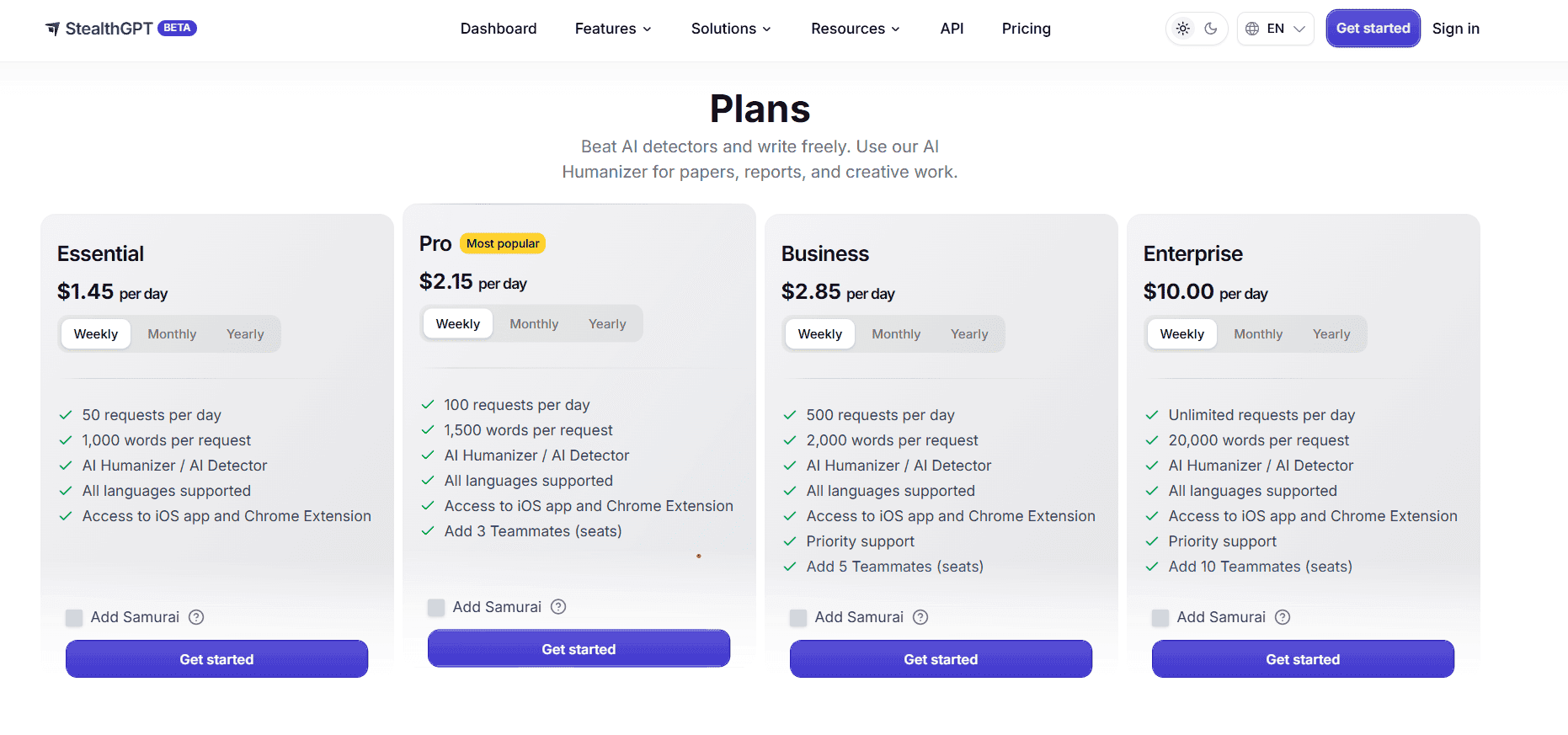
Is StealthGPT Good for Natural AI Rewriting? Output Quality Review 2026
I tested StealthGPT with academic writing, blog content, and work emails. See where the output kept ...
Ethan Miller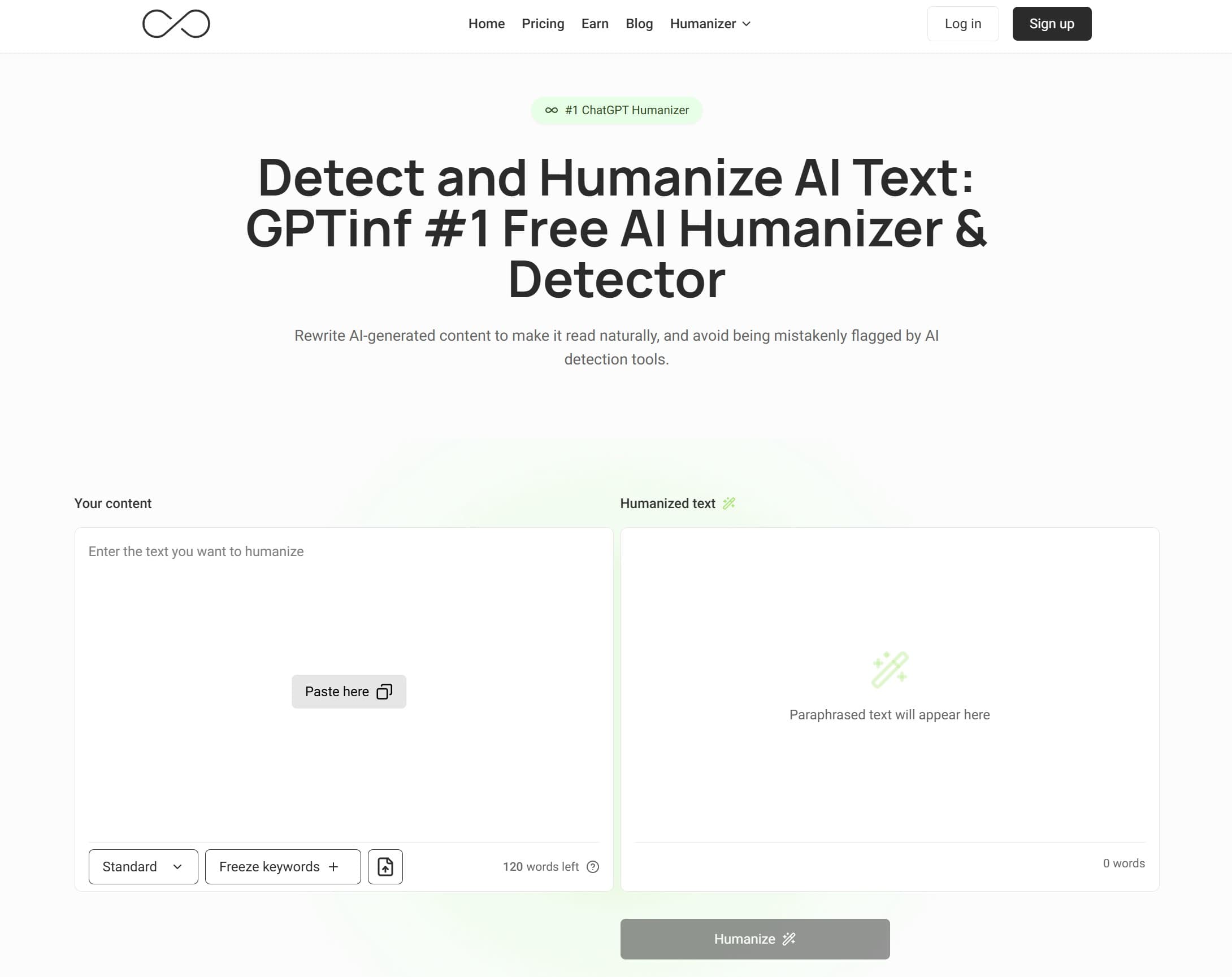
Best Free GPTinf Humanizer Alternative With No Sign-Up: What to Try Before Paying
Looking for a free GPTinf alternative? See why GPTHumanizer AI is a better no-sign-up option before ...
Ethan Miller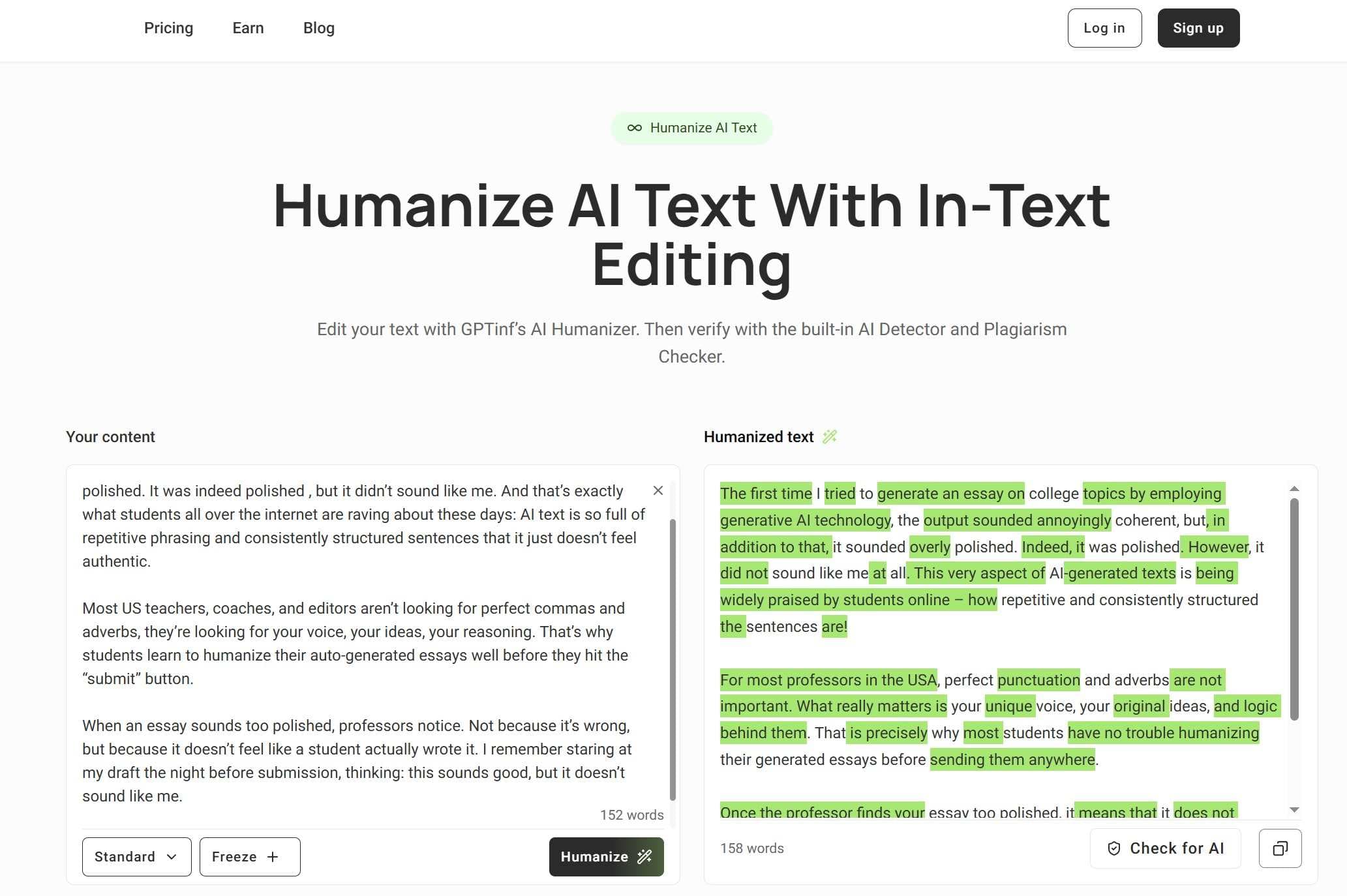
Is GPTinf Free? Free Trial, Pricing, Login Rules, and Limits Explained
Is GPTinf free? See its no-login trial, official 120+120 free word rule, paid pricing, upgrade promp...
Ethan Miller