
How to Keep Meaning Intact When Using GPTHumanizer on Sensitive Drafts

Summary
* Sensitive drafts are less forgiving because small wording changes can alter claims, limitations, or the level of certainty.
* General and Professional are usually safer GPTHumanizer styles for sensitive writing than more expressive style options.
* Section-by-section processing helps preserve meaning by preventing different sentence types from being flattened into one generic voice.
* GPTHumanizer is most useful on awkward phrasing, repetitive rhythm, and robotic transitions around important lines.
* Pricing language, product limits, comparison claims, and commitment-heavy wording usually still need a manual review.
* A successful result is not the most transformed version, but the version that reads better while preserving the same intent and boundaries.
You paste a stiff draft into a humanizer because the wording feels too flat or too AI-shaped. The output comes back cleaner, but then you notice the real problem: one sentence now sounds more certain than you intended, a limitation feels weaker, or a careful claim reads broader than the original. That is usually where sensitive drafts go wrong.
When I use GPTHumanizer AI on this kind of writing, I am not trying to make the draft feel dramatically different. I am trying to make it read more naturally without changing the claim, the level of certainty, or the practical meaning of the sentence.
If you want the broader setup first, start with How to Use GPTHumanizer AI: Best Settings, Modes, and Workflow. This article focuses on the narrower problem that matters more on product, pricing, policy-style, and client-facing copy: how to improve the wording without accidentally changing what the draft is actually saying.
What counts as a sensitive draft?
A sensitive draft is any piece of writing where a small wording change can create a real business, product, or communication problem.
That usually includes:
pricing copy
feature explanations
comparison pages
policy-style wording
outreach emails with commitments
landing page sections
founder or team statements
anything with numbers, limits, qualifiers, promises, or exclusions
A casual blog intro can survive a little over-editing. A sentence like “this feature can help reduce editing time” is much less forgiving, because if it turns into “this feature reduces editing time,” the draft may sound stronger while becoming less accurate.
Why meaning gets changed so easily
Most of the time, meaning drift is not dramatic enough to feel obviously wrong on first read. The output often looks smoother, which is exactly why people miss the problem.
In practice, I usually see meaning drift happen in four ways:
What changes | What happens to the draft |
A qualified statement becomes stronger | The wording sounds more confident than the original |
A limitation gets softened or removed | The draft becomes cleaner but less careful |
A precise phrase gets generalized | The real point becomes flatter and vaguer |
A contrast gets simplified too much | The sentence reads more easily but loses judgment |
That pattern is common with sensitive drafts because the wording is doing more than just sounding natural. It is also controlling scope, certainty, and expectations.
The first thing I protect before using GPTHumanizer
When a draft is sensitive, I do a very quick pass before I touch the tool. I am not creating a full brief at that stage. I am just identifying the lines that cannot afford to drift.
For GPTHumanizer, that usually means I mark these first:
claims about what the product does
qualifiers like can, may, often, usually, in many cases
numbers, limits, and timeframes
“does not” or “not intended to” statements
comparison wording
brand-positioning phrases
any sentence that defines scope
This part matters because GPTHumanizer is most helpful when the draft already knows what it wants to say. If the important lines are left unprotected, the tool may still make the paragraph read better, but you can end up polishing the wrong meaning.
How I actually use GPTHumanizer on sensitive drafts
The safest workflow is not complicated, but it is more controlled than the way most people use a humanizer on ordinary blog copy.
1. I separate the important lines from the awkward lines
On a sensitive draft, I do not want the most important sentence buried inside a larger block of text and processed as part of a general cleanup pass.
If I am working on a feature explanation, a pricing section, or a comparison paragraph, I pull out the lines that carry the real risk first. Then I let GPTHumanizer help with the surrounding text that feels stiff, repetitive, or unnatural.
That approach works better because the tool is solving a local writing problem instead of quietly reshaping the most important sentence in the section.
2. I start with the safest GPTHumanizer style
This is where the article needs to be specific to GPTHumanizer rather than giving generic AI writing advice.
For sensitive drafts, I would usually start with General or Professional. Those styles are more useful when the goal is controlled cleanup, clearer phrasing, and steadier tone.
My starting point would usually look like this:
General for most product and explanation copy that just needs smoother wording
Professional for formal business-facing, client-facing, or decision-heavy writing
Technical only when the original draft is already dense and terminology needs to stay tight
I would be much more careful with Blog or Casual on sensitive text, because those styles can sometimes introduce a stronger personality or looser tone than the draft really needs.
3. I work section by section instead of processing the whole page
This is one of the easiest ways to keep GPTHumanizer useful without letting it overreach.
A sensitive page often mixes several types of sentences together: explanation, benefit framing, limitations, CTA copy, and positioning language. When all of that is processed in one pass, the result can become too even, too polished, or simply less precise than the original.
I get more reliable results when I break the draft into smaller sections and deal with each one on its own terms.
4. I use GPTHumanizer where it is strongest
For me, GPTHumanizer is most useful on the parts of a sensitive draft that already have the right meaning but do not yet read well.
That usually includes:
awkward phrasing
robotic transitions
repetitive sentence openings
clunky rhythm
over-explained wording
What I review more carefully are the places where a small wording shift changes the business meaning of the sentence. In other words, I am comfortable letting the tool clean up weak flow, but I still want a tighter grip on anything involving promises, scope, limitations, or exact positioning.
5. I compare the output against the original where the risk is highest
I do not compare every line with the same level of scrutiny. That would slow the process down for no reason.
Instead, I check the sentences that carry the most meaning load and ask a few blunt questions:
Does the claim sound stronger than before?
Did a limitation disappear?
Did the sentence become vaguer?
Did a precise term get swapped for a softer synonym?
Does this still sound like our real positioning?
That last question matters a lot on brand and product pages, because many weak rewrites are not factually wrong. They just become more generic than the original, which is often enough to make the copy worse.
What I would still edit by hand
I would not send every sensitive sentence through GPTHumanizer just because the rest of the paragraph improved.
Even when the tool helps a lot, I still prefer to hand-edit these areas:
pricing explanations
product limitations
guarantee-adjacent language
comparison claims
“what this is not” sentences
deadline or commitment language in emails
compliance-sensitive wording
That is not a criticism of GPTHumanizer. It is simply the point where editorial judgment matters more than surface smoothness, and those lines usually deserve direct human control.
A simple before-and-after example
Take this original line:
“GPTHumanizer can help reduce editing time, but the final draft should still be reviewed by a human editor.”
Now compare it with a polished version that sounds cleaner but has drifted:
“GPTHumanizer reduces editing time and helps produce cleaner final drafts.”
The second version reads more smoothly, but it changed two important things. It made the claim more absolute, and it removed the human-review guardrail entirely.
That kind of shift is exactly why I do not measure success on sensitive drafts by how different the rewrite looks. I measure it by whether the cleaned-up version still preserves the same boundaries as the original.
Where GPTHumanizer fits best on sensitive writing
I would not use GPTHumanizer as a tool that decides what the draft should mean. I would use it as a tool that helps the draft say the same thing more clearly, especially when the original wording is awkward, repetitive, or too obviously AI-shaped.
That distinction makes the workflow much safer. GPTHumanizer can do real work on sentence flow, readability, and natural phrasing, but the high-risk lines still need tighter editorial control if the exact wording matters.
Conclusion
Sensitive drafts do not need aggressive rewriting. They need careful cleanup.
When I use GPTHumanizer on this kind of writing, I get the best results by protecting claims, qualifiers, limits, and positioning language first, then using the tool on the surrounding text that needs better flow and clearer phrasing. That workflow usually produces a version that reads more naturally without quietly changing the scope or strength of what the draft is actually saying.
FAQ
Q: How do you use GPTHumanizer on sensitive drafts without changing the original meaning?
A: The safest approach is to protect claims, qualifiers, numbers, and limitation-heavy lines first, then use GPTHumanizer on the surrounding awkward text instead of rewriting the full section in one pass.
Q: Which GPTHumanizer style is best for sensitive drafts?
A: General is usually the safest starting point for sensitive drafts, while Professional works well for client-facing or business-facing copy where clarity matters but the wording still needs to stay controlled.
Q: Should you paste a full pricing page or policy-style section into GPTHumanizer at once?
A: Usually no. Sensitive sections are safer when handled in smaller parts so important claims, exclusions, and positioning lines do not get accidentally softened, strengthened, or generalized.
Q: Which parts of a sensitive draft should still be edited manually after using GPTHumanizer?
A: Pricing details, product limits, guarantee-adjacent wording, comparison claims, and “what this is not” sentences usually deserve manual review because those lines carry the most meaning risk.
Q: How can you tell whether GPTHumanizer changed the meaning of a sensitive draft?
A: Compare the output against the original for claim strength, certainty level, limitations, exact terminology, and positioning language. If any of those shift, the meaning has started to drift.

Related Articles
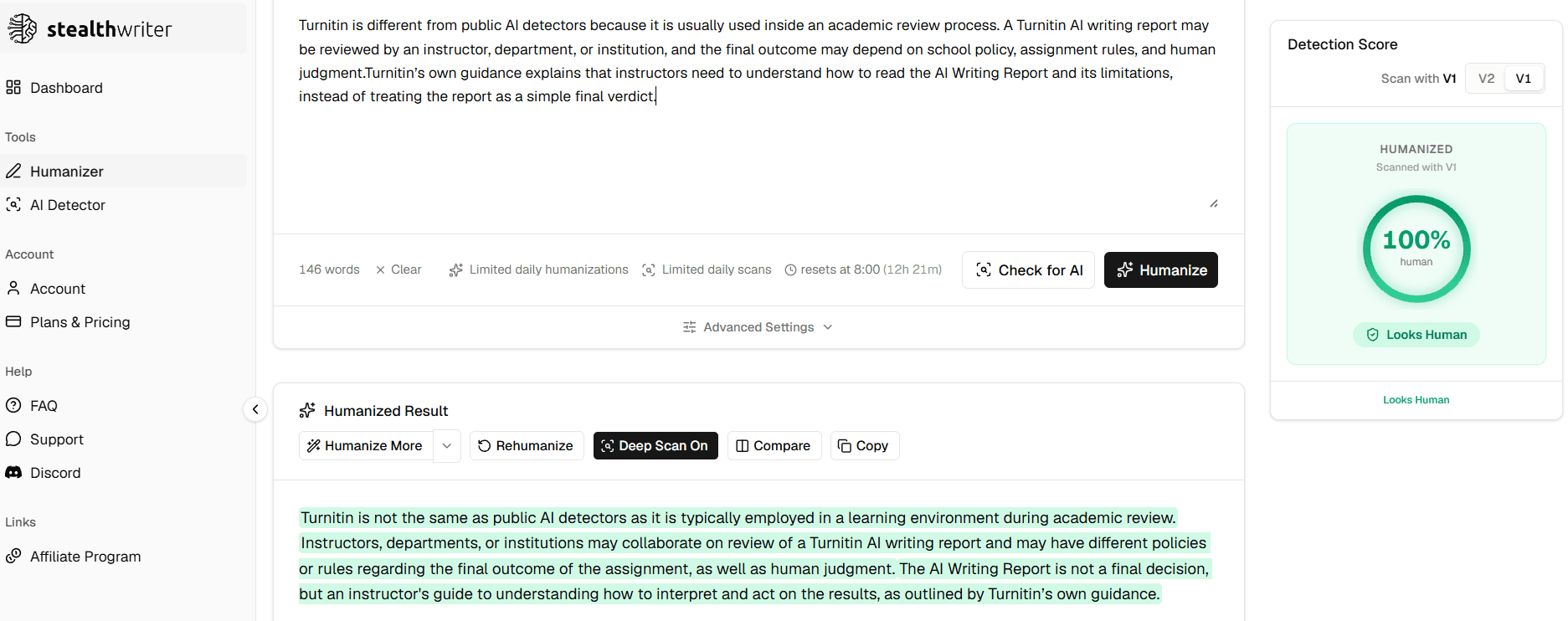
Does StealthWriter Pass GPTZero and Turnitin? Real Test Expectations in 2026
Does StealthWriter pass GPTZero and Turnitin? Learn why StealthWriter’s built-in human score may not...
 Ethan Miller
HIX Bypass Pricing Explained: Is It Worth Paying For in 2026?
A practical look at HIX Bypass pricing, paid-plan value, word limits, refund terms, and whether it i...
Ethan Miller
I Tested 7 Paid AI Humanizers: Which Ones Are Actually Worth Paying For?
I tested 7 paid AI humanizers to see which tools are worth paying for, which need more testing, and ...
Ethan Miller
Does Hixbypas Work in 2026? Fast, and Aggressive Modes Tested
Does Hixbypas, or HIX Bypass, actually work? I tested Fast and Aggressive modes to compare rewrite q...
Ethan Miller