
How SEO Teams Use GPTHumanizer to Improve Content Editing Efficiency

Summary
SEO teams usually do not lose time creating the first draft. They lose time cleaning it up. AI-assisted articles often come out readable, but the wording still feels too even, too generic, or too awkward in the transitions.
This guide explains where GPTHumanizer fits in that workflow. Used between drafting and final review, it can reduce sentence-level cleanup so editors spend more time on facts, structure, search intent, and internal links. The best process is simple: start with a clear brief, generate a usable draft, humanize the sections that feel flat or repetitive, then finish with a manual editorial pass before publishing.
If you manage SEO content, you probably know this problem already. The draft is fast, but the editing is slow. Not because the topic is wrong, but because the writing still feels too even, the transitions feel manufactured, and the whole piece needs a human pass before it is safe to publish.
That is where GPTHumanizer fits. It works best as an editing layer between the first draft and the final review, so editors spend less time smoothing sentences and more time checking claims, tightening structure, improving internal links, and making sure the page actually satisfies search intent.
If you want the full product workflow first, read How to Use GPTHumanizer AI: Settings, Modes, and Workflow. This page focuses on the SEO-team version of that process.
Where SEO teams actually lose editing time
The biggest editing delays usually do not come from strategy. They come from sentence-level cleanup after the draft is already written.
For SEO teams, the most common problems look like this:
intros that sound generic instead of specific
transitions that feel too smooth and predictable
paragraphs with the right meaning but weak rhythm
keyword usage that feels inserted instead of natural
drafts that are technically usable, but still not ready to publish
That is why a humanizer can help in the middle of the workflow. It removes part of the mechanical cleanup before the editor starts the final pass.

A practical GPTHumanizer workflow for SEO teams
1) Start with a brief that already has an angle
Do not humanize a weak draft and expect it to become strong. Make sure the piece already has a clear search intent, the right angle, target sections, and claims that can be verified.
2) Generate a usable first draft
Create the draft with clear subheads, source markers, and a structure that is easy to review. The goal here is not perfect writing. It is a workable draft.
3) Humanize the weak sections first
Do not automatically run the whole article through one pass. Start with the intro, transitions, and sections that feel repetitive or too flat. That usually gives editors more control and reduces unnecessary rewriting.
4) Do the real editorial work after that
Once the flow is cleaner, the editor can focus on what actually matters: search intent, factual accuracy, examples, internal links, headings, and brand voice.
5) Review before publishing
The final step is still manual. Check whether any meaning shifted, whether protected terms stayed intact, and whether the page still sounds like your team rather than a polished but generic AI draft.
Where the time savings usually come from
The biggest time savings usually do not come from strategy. They come from reducing repetitive sentence cleanup before the editor starts line editing.
When the draft already has cleaner transitions, better rhythm, and fewer obvious AI-style patterns, editors can spend their time on the work that actually improves performance: tightening the angle, fixing claims, sharpening headings, improving internal links, and checking whether the page truly matches user intent.
To measure whether the workflow is helping, track three things:
average editing minutes per draft
number of sentence-level rewrites
final QA issues before publish
When all three start dropping together, the workflow is saving real time instead of just moving effort to a later step.
Mistakes that waste editor time
Treating GPTHumanizer like a one-click publish button
It works better as an editing step, not a replacement for human review.
Humanizing the full draft when only a few sections are weak
For most SEO articles, the intro, transitions, and generic summary lines need the most work. Start there first.
Skipping factual review
Cleaner wording does not make unsupported claims safe. Facts, links, quotes, dates, and examples still need a manual check.
Letting the rewrite flatten the page voice
The goal is not to make every paragraph sound polished in exactly the same way. The goal is to make the draft feel more natural while keeping the original point and brand tone.
Final Thoughts
For most SEO teams, the slow part is not getting a draft on the page. The slow part is fixing everything that still feels too flat, too generic, or too obviously AI-assisted before publishing. That is where GPTHumanizer fits best. It helps reduce repetitive cleanup, so editors can focus on the work that actually improves performance: sharpening the angle, checking claims, improving internal links, and making sure the page really matches search intent.
Still, this is not a one-click publish button. It works best when the draft already has a clear purpose and someone still does a real final review. Used that way, GPTHumanizer can make SEO workflows faster without turning the writing process into something careless or generic.
FAQ
Can SEO teams use GPTHumanizer for content refresh projects?
Yes. It works best when the page already has the right topic, structure, and claims, but the wording still feels too flat, repetitive, or awkward to publish as-is.
Should SEO teams humanize the full article or only the weak sections?
Usually the weak sections first. Intros, transitions, and generic conclusion lines often create the most editing work, so starting there gives better control.
Will GPTHumanizer change keywords or meaning?
It can if nobody reviews the output carefully. That is why editors should always check protected terms, important claims, links, numbers, and search-intent alignment before publishing.
What still needs a human editor after using GPTHumanizer?
Search intent, factual accuracy, examples, internal links, heading quality, and brand voice still need a real editor. GPTHumanizer helps reduce cleanup work, but it should not replace editorial judgment.
Is GPTHumanizer useful for SEO blog production only?
No. The same workflow also works for landing page drafts, content refreshes, product-led blog posts, and other pages where the draft is structurally fine but still sounds too mechanical.

Related Articles

StealthGPT AI Review 2026: Features, Pricing, Output Quality, and Alternatives
I reviewed StealthGPT AI across pricing, features, rewrite quality, and real writing use cases. See ...
 Ethan Miller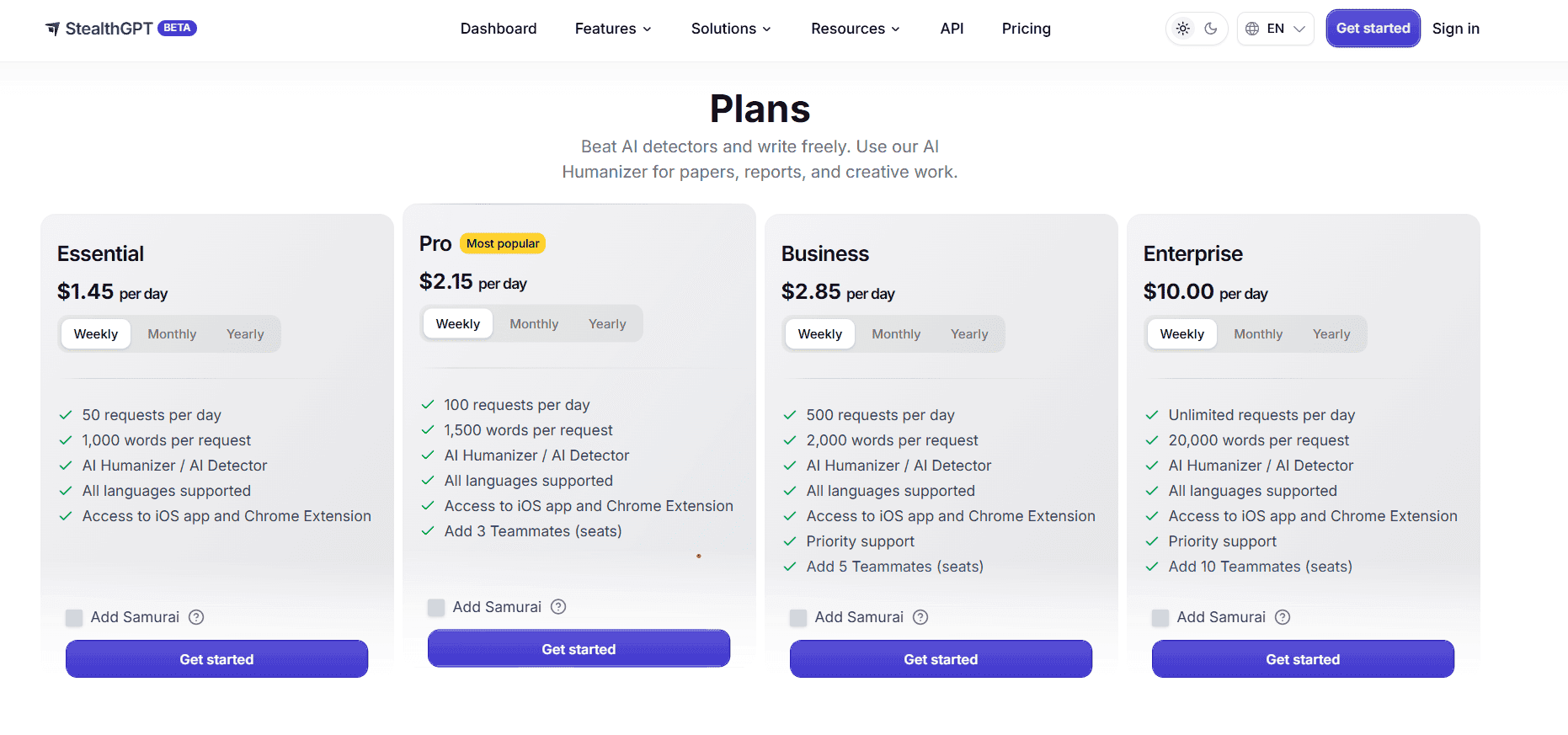
Is StealthGPT Good for Natural AI Rewriting? Output Quality Review 2026
I tested StealthGPT with academic writing, blog content, and work emails. See where the output kept ...
Ethan Miller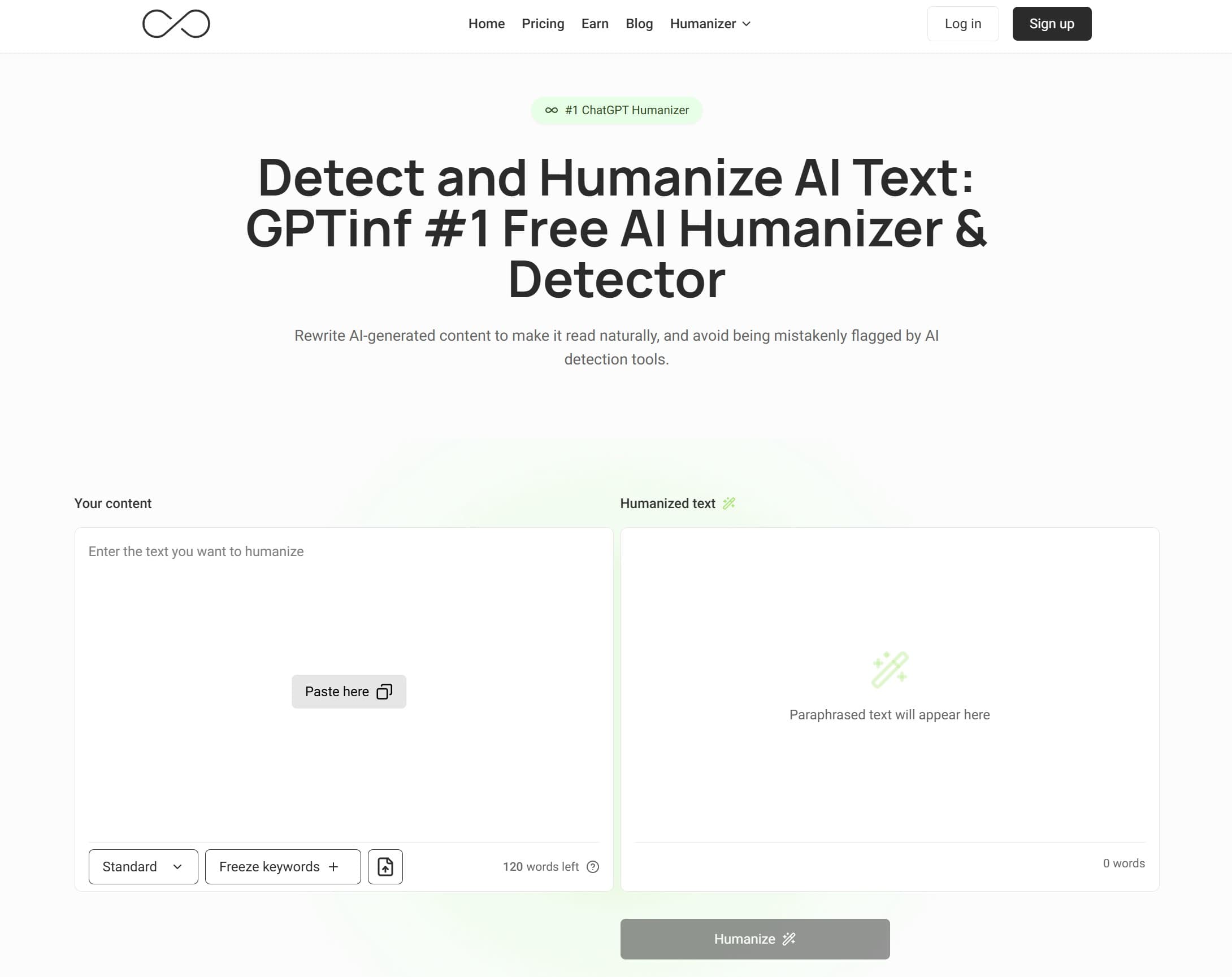
Best Free GPTinf Humanizer Alternative With No Sign-Up: What to Try Before Paying
Looking for a free GPTinf alternative? See why GPTHumanizer AI is a better no-sign-up option before ...
Ethan Miller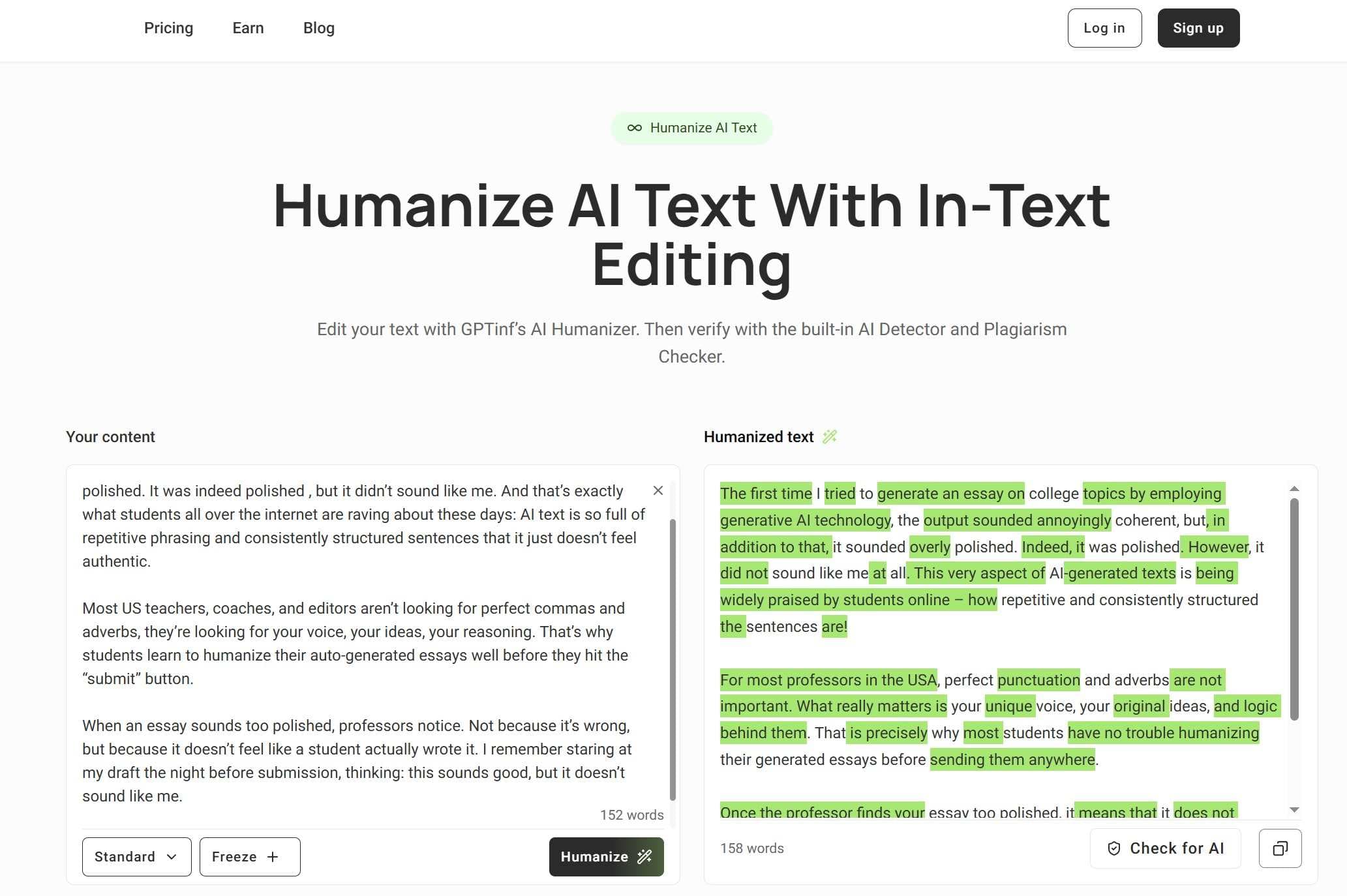
Is GPTinf Free? Free Trial, Pricing, Login Rules, and Limits Explained
Is GPTinf free? See its no-login trial, official 120+120 free word rule, paid pricing, upgrade promp...
Ethan Miller