SafeAssign: A Complete Guide to Blackboard's Plagiarism Checker
Summary

It's quite likely that the assignment you're submitting via Blackboard has already been scanned by SafeAssign- the most popular plagiarism detection program in academic institutions globally. As cases of academic dishonesty continue to rise, a recent study by the International Center for Academic Integrity concluded that 68% of college students admitted to cheating on papers or exams, prompting the growing importance of tools like SafeAssign to uphold academic integrity.
But what exactly is SafeAssign, how does it work, and what are its pros and cons? Below is an in-depth guide to all there is to know about this plagiarism checker for educators and students alike.
What is SafeAssign?
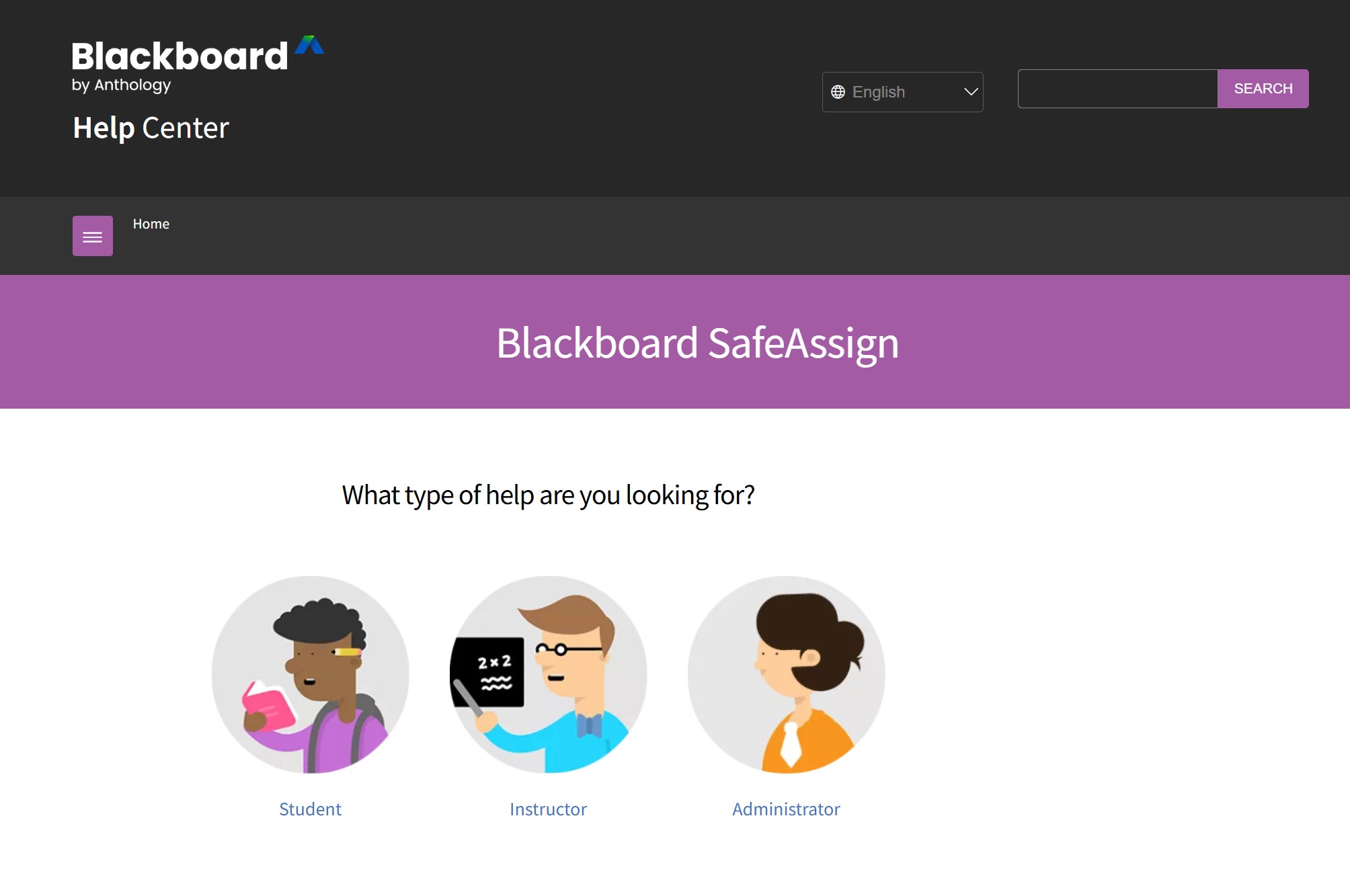
SafeAssign is a plagiarism checker that is integrated directly into the Blackboard Learning Management System (LMS). SafeAssign was first rolled out in 2007, and continues to be offered as part of Blackboard's suite of products following the company's acquisition of Anthology in 2021. SafeAssign checks student submissions against a massive database of academic articles, papers, websites and other previously submitted content for potential plagiarism.
SafeAssign differs from other plagiarism checkers in that it is built directly into Blackboard, making it especially attractive to institutions that are already using this LMS. Moreover, Blackboard does not take any claims of intellectual property over content submitted to SafeAssign, which might alleviate a major concern for students.
How SafeAssign Works
SafeAssign uses a complex text-matching algorithm in order to identify unoriginal content. SafeAssign breaks the submitted document into text segments and compares it to several databases.
Databases SafeAssign Checks Against
SafeAssign compares submissions to the following sources: Institutional document archives that include all papers students submit to SafeAssign through their institution client, Global Reference Database that contains more than 59 million papers that have been voluntarily uploaded by students from Blackboard client institutions to help stop cross-institutional plagiarism, and ProQuest ABI/Inform database which includes more than 1,100 publication titles and about 2.6 million articles.
SafeAssign also uses its own search service to scan the internet for matches. SafeAssign searches the entire internet for matching text from a variety of publicly available sources.
The Originality Report
SafeAssign produces an Originality Report for each submission that includes the following details:
â Match percentage: The percentage of your text that matches content from other sources
â Match sources: Specific documents and websites where text was found to match
â Line-by-line comparison: A side-by-side display of each line of text that possibly contains unoriginal content, as well as the matching source
SafeAssign compares your document to an extensive database of academic papers, articles and websites to identify whether it contains any unoriginal content. The report allows instructors to determine whether the matches found represent appropriate citations, common phrasing or instances of plagiarism.
Key Features of SafeAssign
1. Institutional and Global Databases
SafeAssign maintains separate databases for individual institutions and a global reference database. Students can voluntarily contribute their papers to the global database to help prevent cross-institutional plagiarism, though this is entirely optional.
2. Multiple File Format Support
SafeAssign supports Microsoft Word (.doc, .docx), PDF, TXT, RTF, HTML, and OpenOffice (.odt) file formats. This broad compatibility ensures most academic assignments can be checked regardless of format.
3. DirectSubmit Feature
Instructors can use DirectSubmit to check papers without student involvement. This feature is particularly useful for reviewing suspicious submissions or checking assignments submitted through other channels.
4. Draft Submissions
To enhance originality before final submission, students can utilize the 'Draft Submission â SafeAssign Originality Report' feature for preliminary feedback. This educational approach allows students to learn from their mistakes and improve their citations before final grading.
5. Instructor Control
Teachers have complete control over SafeAssign settings, including whether students can view their Originality Reports and whether submissions are added to institutional databases.

How to Use SafeAssign
For Instructors
Setting up SafeAssign is straightforward for educators already using Blackboard:
1. Go to any Content Area in your Blackboard course
2. Select Assessments, then Assignment
3. Click the plus to expand Submission Details
4. Select âEnable Originality Reportâ or âCheck submissions for plagiarism using SafeAssignâ
5. Select your options, such as whether to allow students to see their reports
6. Complete and submit the assignment creation
It takes up to 30 minutes to generate an Originality Report after the teacher creates the assignment. However, it can take up to 24 hours during peak times.
For Students
The student experience with SafeAssign is seamless:
1. Access your assignment through Blackboard
2. Upload your document (ensuring it meets file requirements)
3. Submit your work as normal
4. Review your Originality Report (if your instructor allows)
It is important to note that the SafeAssign only works with files smaller than 10MB. Thus, it is possible to exceed this limit and have the file rejected or to compress a file.
SafeAssign Limitations and Challenges
While SafeAssign is effective for traditional plagiarism detection, it has several notable limitations that users should understand.
1. No AI Detection Capability
SafeAssignâs biggest flaw in 2025 is that it cannot detect AI content. SafeAssign, like all traditional plagiarism detection tools, is just not built to accurately detect sophisticated AI language model generated content such as ChatGPT.
The truth is the real and more accurate way to see how SafeAssign actually performs against AI content - a consortium of 12 universities recently did blind testing and found that SafeAssign only accurately identified 7% of AI-generated essays with a false negative rate of 93%.
2. File Size Restrictions
The 10MB file limit can be a problem if you have assignments with lots of images, data, or multimedia content. Your students will have to compress or remove any non-text content to get past this limit.
3. Platform Exclusivity
SafeAssign can only be used with Blackboard. So if your school uses another LMS, you canât use SafeAssign. Youâll have to look elsewhere for a plagiarism detection tool if youâre not using Blackboard.
4. False Positives
SafeAssign (like all plagiarism detectors) can mark legitimate content as plagiarized. Lots of common phrases, properly cited quotations, and technical terms can all show up as matches, so itâs on the instructor to review the report and decide whether itâs actually plagiarism.
5. Processing Delays
Reports are not generated instantly - it usually takes from several seconds to few minutes to receive a report, but during peak use such as the end of the semester it can sometimes take several hours.
Understanding SafeAssign Scores
SafeAssign generates a similarity score that reflects the percentage of text that matches another source. But that score is not an absolute measure of whether text is plagiarized. Itâs only a measure of how much of the text is matching, and itâs up an instructor to check that the matched text is properly cited, or to identify that itâs plagiarized.
Below are general guidelines for what the scores might mean:
â Below 15%: Typically acceptable, indicating normal levels of common phrasing and proper citations
â 15-40%: May signal extensive matching text requiring closer review
â Above 40%: Likely indicates significant plagiarism concerns
Remember that these are guidelines, not rules. A high score doesn't automatically mean plagiarism, and a low score doesn't guarantee originality.
The Evolving Challenge: AI-Generated Content
When the percentage of students using generative AI tools in the 2024 to 2025 school year increased from 53% to 88%, there was an academic integrity crisis. The reality is SafeAssign canât detect AI generated content. An important shortcoming in contemporary plagiarism detection.
Why SafeAssign Can't Detect AI
AI tools such as ChatGPT, Claude, and Gemini all work by creating brand-new content, not by copy-pasting from existing text. They use patterns found in data sets they were trained on to generate the content. SafeAssign, of course, wonât find anything to flag because the "AI content" is not a copy-paste. The AI produces brand-new sentences that may be machine-generated, but are not present in SafeAssignâs databases.
What This Means for Academic Integrity
The trend appears to be educators need to use additional tools to detect AI, or design assignments such that the tools are less effective or more obvious. But if a student is using an AI tool in an ethical wayâsuch as for brainstorming or polishingâthen using software that can help humanize AI output is probably a good practice. This ensures an authentic end-product without compromising the learning objectives or the natural voice of the student.
Moving Forward: Best Practices
For Instructors:
â Use SafeAssign as part of a comprehensive integrity strategy, not as the sole solution
â Review Originality Reports carefully rather than relying solely on similarity scores
â Consider supplementary AI detection if this is a concern for your courses
â Educate students about proper citation practices using SafeAssign reports as teaching tools
For Students:
â Always cite sources properly to avoid unintentional plagiarism
â Use draft submissions to check your work before final submission
â Understand that high similarity scores don't always indicate wrongdoing
â Familiarize yourself with your institution's policies on AI use
Conclusion
SafeAssign is a good plagiarism detection tool for academics still using Blackboard. With extensive content databases and a user-friendly interface that can easily be integrated into current workflows, SafeAssign is a strong option to fight traditional plagiarism.
But the world we live in now is a different one. With AI writing tools now readily-available, relying on plagiarism detection software alone isnât enough. And as weâve seen, SafeAssign is not designed to detect AI textâthatâs a fact you and students need to understand. However, SafeAssign is still good at what it does: detecting plagiarized text. And it should still be a part of the solution for academic integrity in 2025 and beyond.
Frequently Asked Questions
How to check SafeAssign before you submit?
If your instructor has enabled the draft submission feature, you may find âDraft Submission â SafeAssign Originality Reportâ in your course. Submit your paper to get a preliminary report. Make any necessary changes before you submit your final paper.
Can SafeAssign detect ChatGPT?
No, SafeAssign canât detect ChatGPT. SafeAssign looks for text similarities in your paper against its database. However, ChatGPT generates original text. So SafeAssign canât identify text generated by ChatGPT as AI-generated because SafeAssign is looking for copied text, not AI-generated text.
What percentage is good for SafeAssign?
There is no industry-wide standard for a cutoff score. But your instructor may consider a score below 15% acceptable, a score between 15% to 40% requires review, and scores above 40% may raise concerns. But the score itself doesnât indicate plagiarism. Your instructor will have to review the actual matches to see whether or not you have provided proper citations or copied text.
Does SafeAssign check the internet?
Yes, SafeAssign checks against the internet through its internal search service as well as institutional databases, the Global Reference Database and ProQuest ABI/Inform. SafeAssign is looking for matching text in the public web.
Who Owns SafeAssign?
SafeAssign is based on a mature and proven technology that Blackboard acquired from Sciworth Inc. (MyDropBox) and enhanced to offer even better stability, performance, and integration with other Blackboard products. Today, SafeAssign is owned and operated by Anthology, following the merger of Blackboard with Anthology in 2021.
Does SafeAssign Detect AI?
No, SafeAssign does not detect AI-generated content. The tool is designed to identify plagiarism by matching text against existing sources, not to recognize patterns in machine-generated writing. You can visit AI detectors such as GPTZero, GPTHumanizer, and Originality AI to check your AI score.
Can instructors see how many times I check my paper on SafeAssign?
Yes. If multiple attempts are allowed, your instructor will be able to see your submission attempts. This is only to be seen as one attempt for the instructorâs purposes.
SafeAssign will recognize a new attempt as coming from the same student for the same assignment and will not compare attempts against attempts from the same student.
What does a 100% match on SafeAssign mean?
A 100% match does not necessarily mean total plagiarism, as it could be that you have quoted heavily (even if properly cited), or that you have resubmitted your own work, or that you have used some of the assignment instructions in your work. We rely on instructors to read the full report to find out exactly what the problem is.
How long does SafeAssign keep my paper?
Papers submitted to institutional databases are retained to prevent plagiarism within your institution. If you opt to contribute to the Global Reference Database, your paper remains there voluntarily to help prevent cross-institutional plagiarism. Blackboard does not claim ownership of your work.
Is there a free way to check my paper through SafeAssign?
SafeAssign is free for Blackboard users, but it requires institutional access. Students cannot use SafeAssign independently outside of their institution's Blackboard system. Some instructors allow draft submissions so students can check their work before final grading.
What file types does SafeAssign accept?
SafeAssign supports the following format: Microsoft Word (.doc, .docx), PDF, TXT, RTF, HTML, OpenOffice (.odt). Files must be less than 10MB, and special characters in file names are not recommended.
Related Articles

Why Is Plagiarism Bad? The Real Cost of Losing Your Voice in 2026
Plagiarism kills more than your gradesâit kills your credibility and critical thinking. Discover why...

Is Plagiarism a Crime? When Copyright Law Actually Steps In
Is plagiarism a crime? Hereâs the deal: while usually an ethical violation, it can trigger massive l...

Is It Illegal to Plagiarize? The Brutal Truth About Crime vs. Misconduct
Is plagiarism actually a crime? Hereâs the deal: while usually an ethics breach, copying can trigger...

How to Prevent Plagiarism: 12 Proven Tips for Students
Master academic integrity with 12 actionable tips. Learn citation hacks, paraphrasing techniques, an...